01
A photo gets your kitchen started
Photograph ingredients together. Review the suggestions, adjust rough amounts, and save them to your fridge, freezer or pantry.
 Fudan
FudanYour next meal starts here.
Chat with AI about food, flavors and the effort you have today. Add your ingredients from a photo, then plan a meal around your kitchen.
See how it works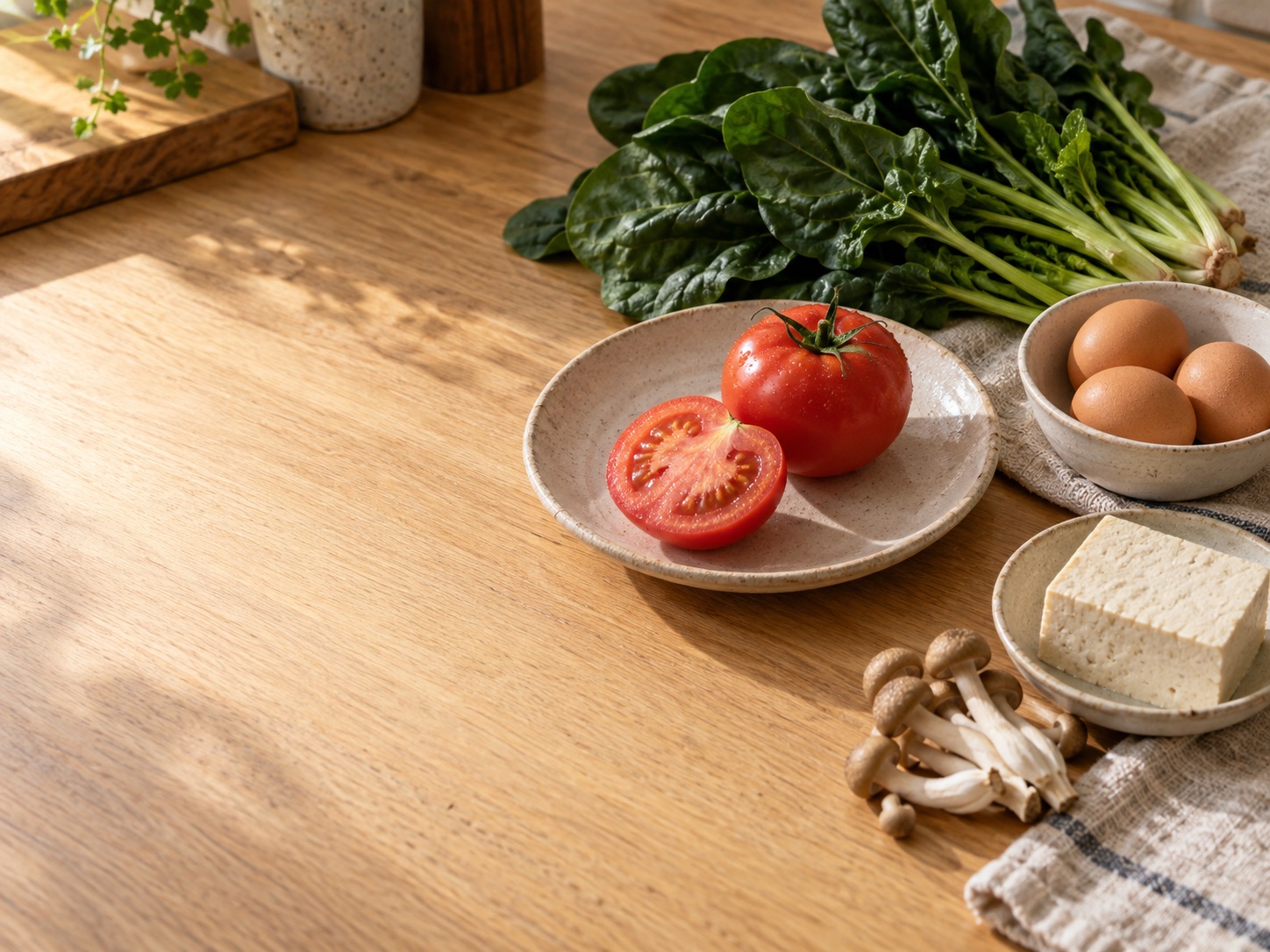
A question to start with
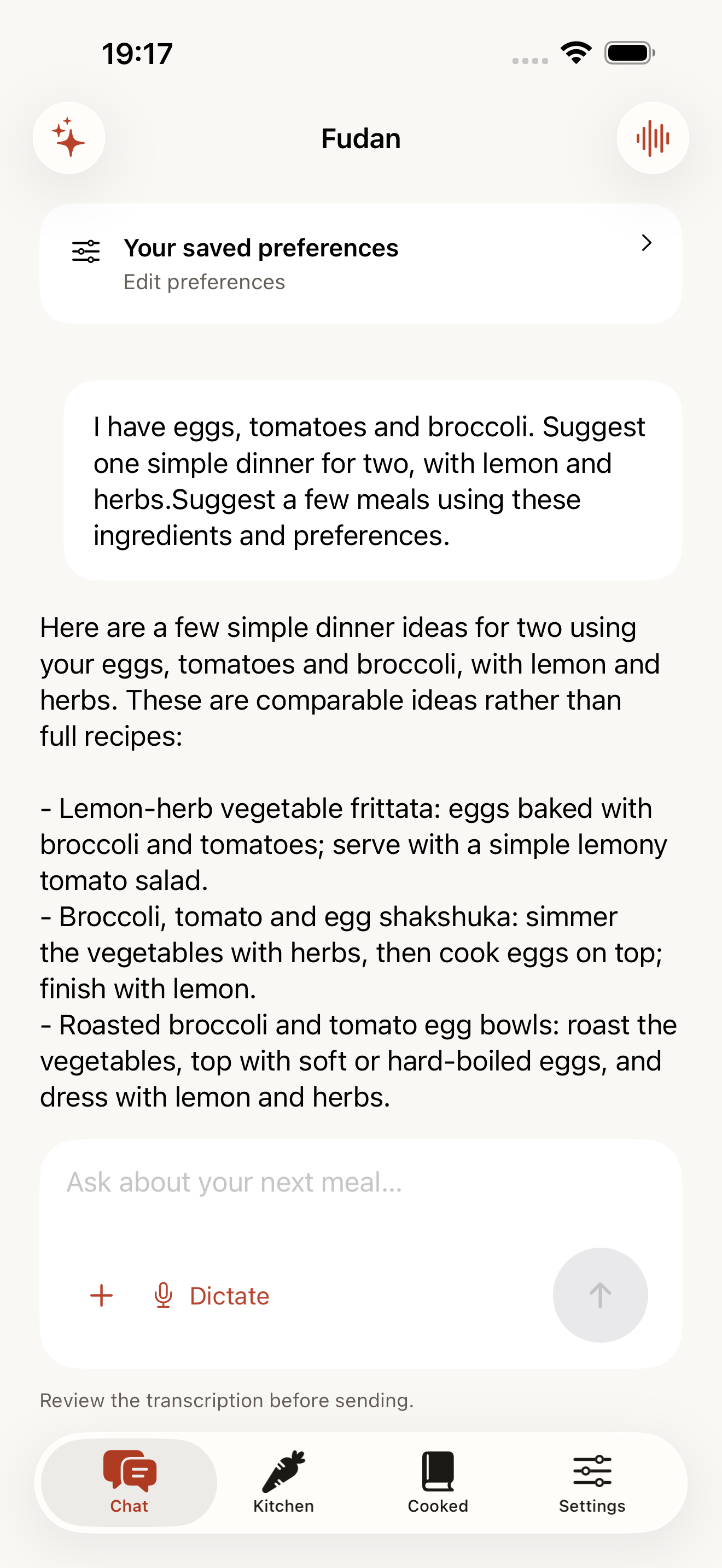
I have eggs and tomatoes. Let’s keep dinner simple.
Photograph ingredients together. Review the suggestions, adjust rough amounts, and save them to your fridge, freezer or pantry.
Use these ingredients. Keep it simple. Try a different flavor. Keep the conversation going with your saved preferences and meal targets.
Confirm the ingredients and amounts you used. Recording the meal updates your inventory, with an undo option when needed.
Fudan
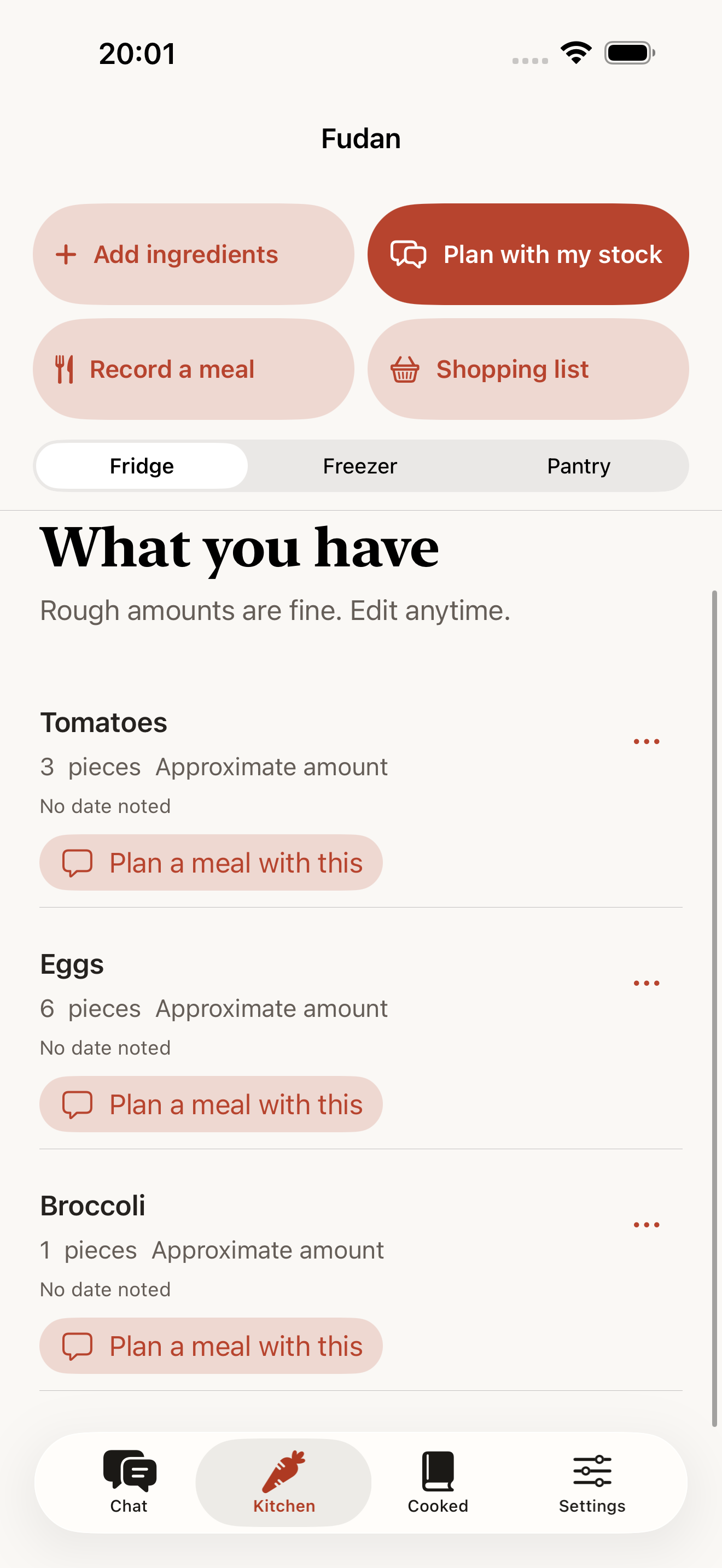
Bring your saved ingredients into the chat. Find a meal that uses what you have before adding more to the shopping list.
Save your calorie, protein and fiber targets for a meal. Nutrition estimates are a guide, not a medical assessment.
App screens shown in English
Dictate a question or start voice conversation. You stay in control of when listening starts and stops.
Save ingredients you want to buy and mark them off when you’re done. Shopping does not automatically add food to your inventory.
Inventory and shopping lists are free. AI consultations use credits. Check the app for welcome offers, rewarded ads, purchase availability and local prices.
No. Fudan is an independent app. It offers a familiar way to talk about food, with its own saved preferences and pantry.
No. Photo results are suggestions for you to review. Check quantities, product labels and food condition yourself.
No. Setup uses short choices and can be skipped. You can adjust preferences whenever you want.
Yes. Choose your language and light, dark or device appearance in Settings. Existing conversations and ingredient names stay as you entered them.